Exercise is important to stay healthy. When you go to exercise, it's important to have a plan.
There are many great exercise directories out there. However, when it comes to bringing them together into a routine, they all have the same problem: the routine is still on your phone.
When I'm exercising, I don't want my phone nearby. It's too distracting. I don't want to check my next exercise and get sidetracked by an unread message.
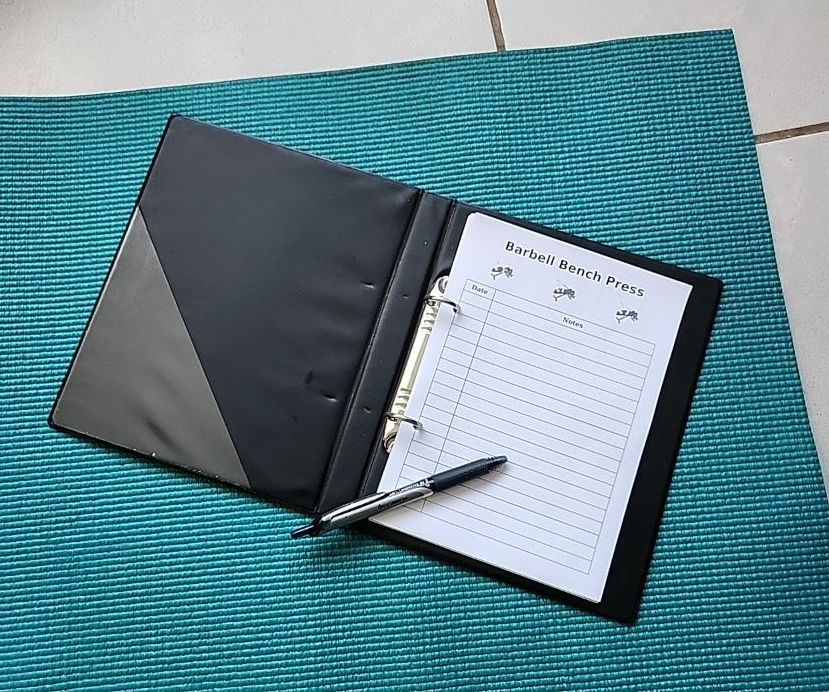
Exercise Deck Builder solves that problem by putting your exercise plan onto paper. Find the exercise you want to do online, and click the "Create a Card" button. This will give you a printable card for that exercise. Do this for each exercise in your workout, and you have a deck of cards, customized specifically to the exercises you want to do.
How does it work?
Step 1: Install the extension (see the "Where to download" section below.
Find the extension on the Chrome Web Store or Firefox Browser Add-Ons Store depending on your browser.
Step 2: Find an exercise that you want to print.
For example, try this Barbell Bench Press.
These are the current supported exercise directories:
Step 3: Find the popup link in your task bar
Look for the card icon to the right of your address bar.
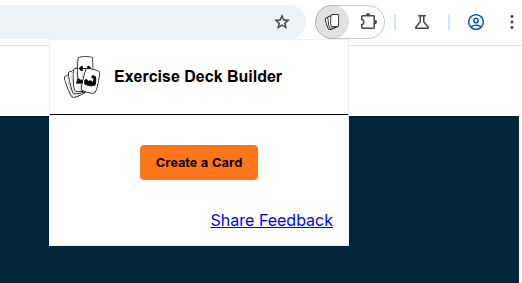
If it isn't there, then you should find it in the extensions menu. Consider pinning it while you're here!
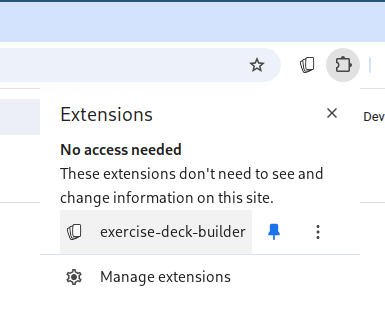
Step 4: Make any edits to your card
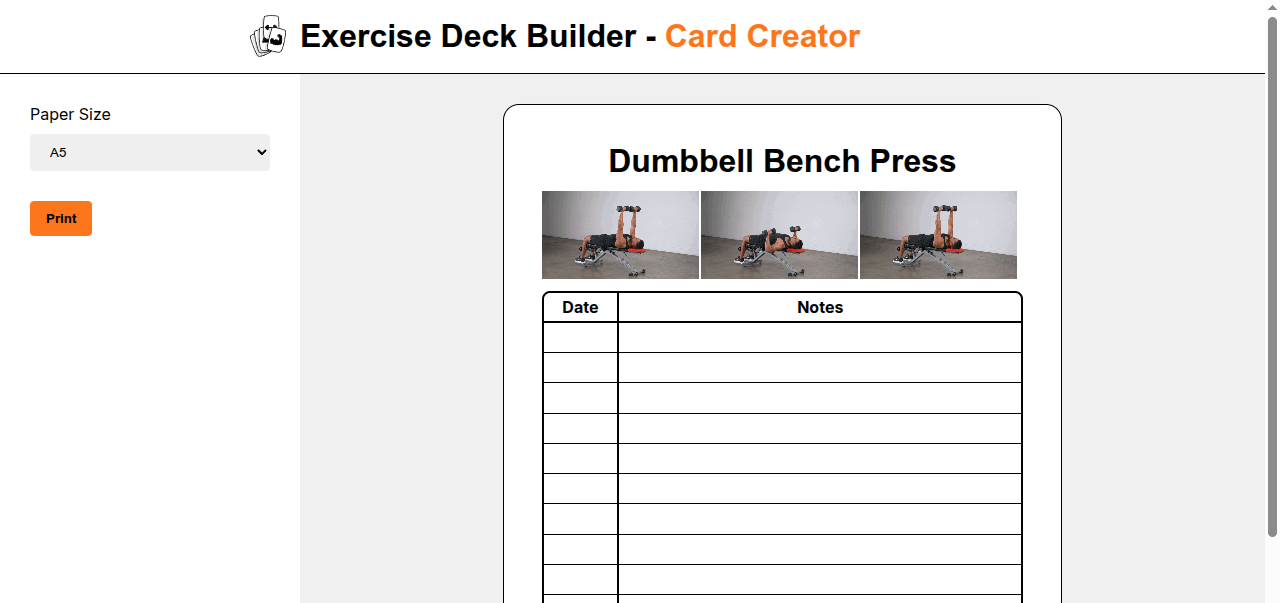
When you click the "Create a Card" button, it will take you to the card creator with the exercise you were on prepopulated.
At this point, the only thing that can be edited is the paper size you want to print on. In the future, there will be more editing options.
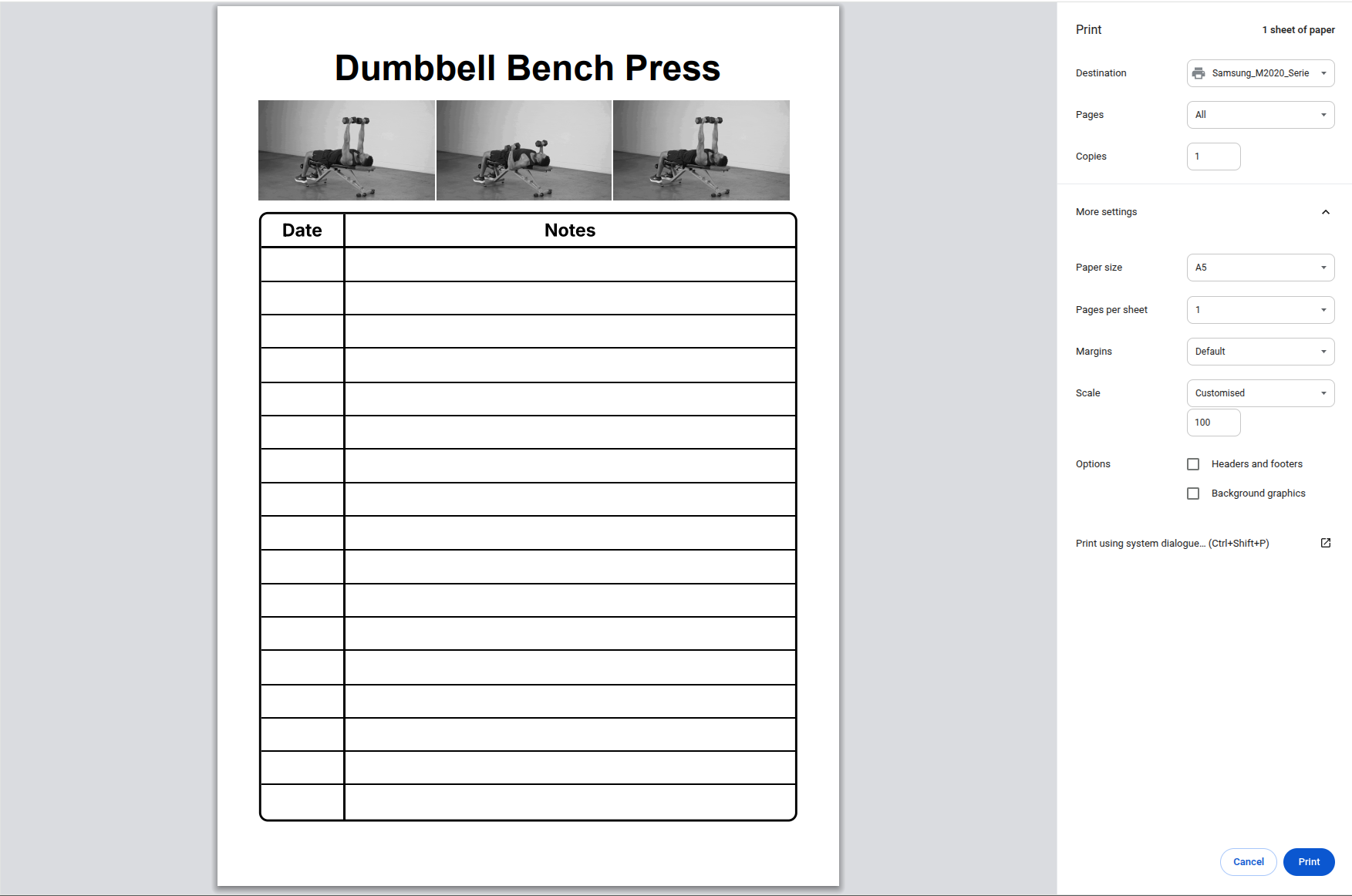
Step 4: Print your card
Click the "Print" button to print your card to paper or to a PDF.
Step 5: Enjoy your distraction-free exercise
Take notes on the card each time you do this exercise to track your progress.
Pricing
The base functionality is free.
As the product is developed, we will be adding a 'premium' tier, where some functionality will be available for a small fee.